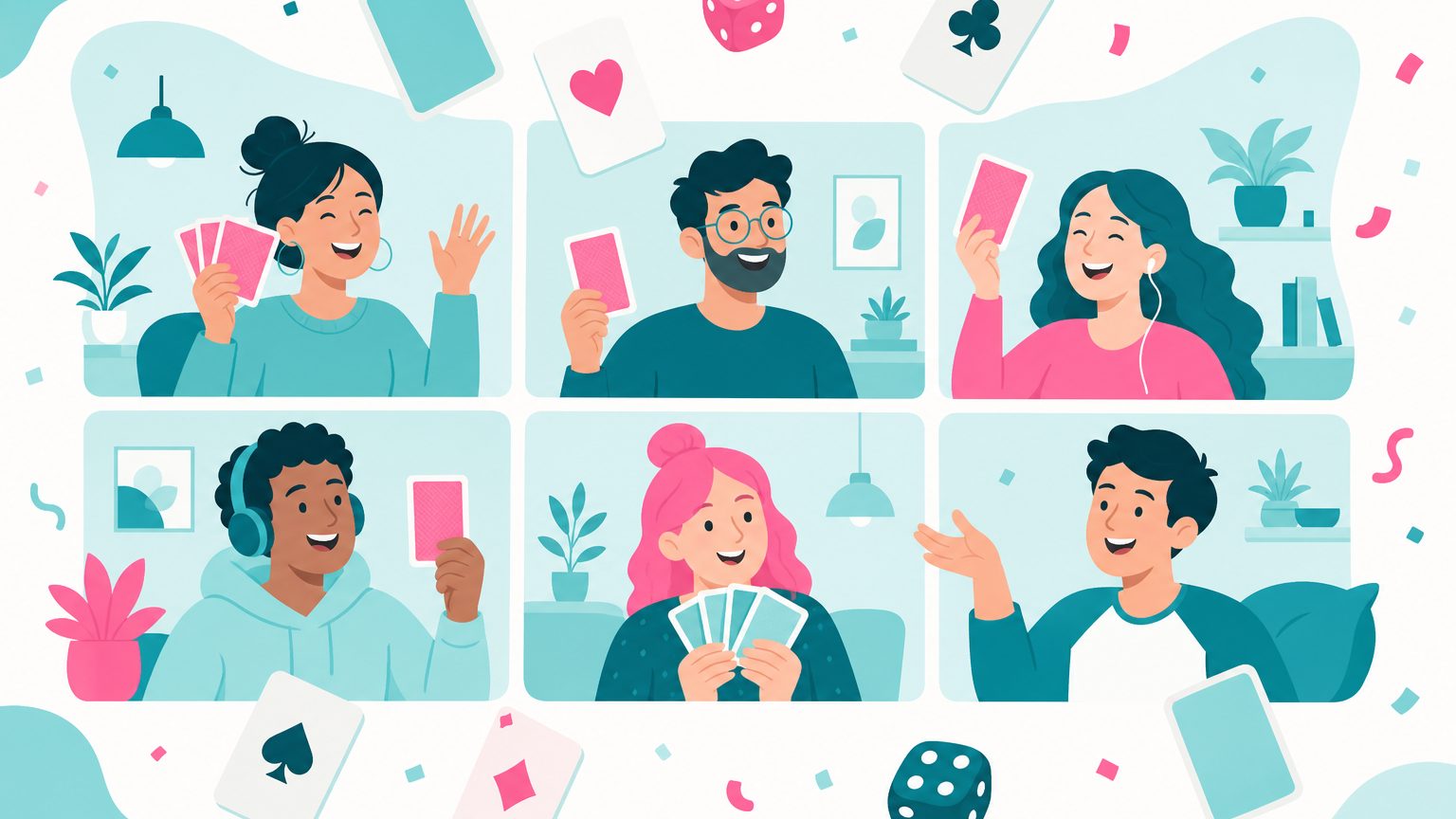
Most lists of Microsoft Teams games quietly assume you'll install something, schedule something, and get everyone on camera. These 20 don't. Every one runs on things already inside Teams: chat, GIFs, reactions, Polls, Forms, breakout rooms, Whiteboard, Together mode, and Praise. They're grouped by what they need, from "a chat channel and two minutes" up to "a meeting with cameras on."
Each game lists players, time, and how to run it. If your company lives in Slack, the Slack version of this list has a different 20 games, and Slack vs Microsoft Teams covers the platform question itself.
Chat-Only Microsoft Teams Games (No Meeting Needed)
These live in a Social channel or group chat. Nobody has to be online at the same time, which makes them the kindest games for teams spread across time zones.
1. GIF battle
The host posts a prompt ("Monday morning," "the deploy worked first try"). Everyone replies with one GIF. Most 😂 reactions by end of day wins and posts tomorrow's prompt.
Players: any · Time: 1 minute · Uses: GIF picker, reactions
2. Fake acronym
Post a real company acronym ("the QBR") and invite made-up expansions. "Quarterly Blame Redistribution" is the standard of play. Most reactions wins and picks the next acronym.
Players: 5+ · Time: 2 minutes · Uses: a channel, reactions
3. Hidden-word challenge
The host privately chats each player a secret word. Work yours into a normal work message that day without being caught. Spot someone else's word to score a point; survive the day unspotted and score two.
Players: 4–20 · Time: ongoing, seconds each · Uses: private chat, replies
4. Reverse trivia
The host posts an answer ("1987," "Belgium," "our own onboarding doc") and the channel guesses the question. Funniest plausible question wins.
Players: any · Time: 1 minute · Uses: a channel, replies
5. Haiku status
Once a week, stand-up updates must be haiku. "Fixed the login bug / Then it broke in a new way / Sprint review is Thursday." Syllable pedantry is part of the game.
Players: 3–30 · Time: 2 minutes · Uses: a channel
Games Using Teams Polls and Forms
The Polls app (built on Microsoft Forms) works in chats, channels, and meetings, and Forms itself does quizzes with automatic scoring. That's most of a game-show toolkit, already in your tenant.
6. Lightning trivia round
Pre-build five multiple-choice polls and launch them one at a time during a meeting. Results appear live; the host tallies in chat. Rotate the question-writer weekly.
Players: any · Time: 5 minutes · Uses: Polls in a meeting
7. Who said it?
Send an anonymous Form asking for one fun fact or harmless hot take. Next week, turn the responses into a Forms quiz: "who said this?" with teammates as the options. Forms scores it for you.
Players: 6–40 · Time: 2 minutes to submit, 5 to play · Uses: Forms, quiz mode
8. Closest guess wins
Estimation questions with a real answer: "how many messages did this team post last month," "how many tabs does Dana have open right now." Collect guesses with a short Form; closest number wins. Nobody needs to know anything, which is the appeal.
Players: any · Time: 1 minute · Uses: Forms, a number question
9. Team superlatives
A poll per category: "most likely to answer a Teams message at 11pm," "best virtual background," "most reliable snack recommendations." Keep every category a compliment. Winners get a line in the next team meeting, which is quietly a recognition moment.
Players: 6+ · Time: 2 minutes · Uses: Polls, multiple questions
Video and Breakout-Room Games
These are the games to play on Microsoft Teams when you have a call anyway, a team social, or a virtual holiday party. Breakout rooms and Together mode make formats work that would be chaos in a single grid.
10. Together mode charades
Switch the meeting to Together mode so everyone sits in the same virtual room. One person acts out a film or a company in-joke; the rest guess in chat so the audio stays clear. Big gestures are funnier in a shared scene than in a grid.
Players: 5–25 · Time: 10 minutes · Uses: Together mode, meeting chat
11. Whiteboard Pictionary
Open Microsoft Whiteboard from the share tray. The drawer gets a word by private chat and 60 seconds; everyone else guesses in the meeting chat.
Players: 4–20 · Time: 10 minutes · Uses: Whiteboard, private chat
12. Breakout room scavenger relay
Split into breakout rooms of four. Each room gets the same five items ("something blue," "a receipt," "a mug with a logo"). First room to show all five on camera and screenshot it to the main chat wins.
Players: 8–40 · Time: 8 minutes · Uses: breakout rooms, cameras
13. Guess the background
Everyone sets a custom background that hints at something true about them (a place they lived, a hobby). Go around the grid and guess.
Players: 4–15 · Time: 10 minutes · Uses: custom backgrounds
14. Breakout room pitch-off
Rooms get ten minutes to invent a ridiculous product and a 60-second pitch. Back in the main room, each team presents and the audience votes in a poll.
Players: 8–30 · Time: 20 minutes · Uses: breakout rooms, Polls
15. Live quiz with a store app
At the time of writing, the Teams app store lists Kahoot! for live, music-and-timer quizzes inside a meeting, a Trivia app that posts quiz rounds into channels, and Microsoft's own Icebreaker app that pairs colleagues for a weekly chat. Each needs admin approval and the free tiers are limited, so check what your tenant permits before promising a Kahoot night.
Players: 5–100 · Time: 10–15 minutes · Uses: a store app, admin approval
Five-Minute Teams Meeting Games (Openers)
Teams meeting games don't need to be an event. These open a regular meeting without eating it; our remote team ice breakers list has more this size.
16. Reaction roll call
Instead of "can everyone hear me," ask a question answerable with a Teams reaction: "❤️ if you've had coffee, 👏 if you're on your second." Everyone taps, and the meeting has started.
Players: any · Time: 30 seconds · Uses: meeting reactions
17. Show me within 30 seconds
"Show me the oldest thing on your desk." Cameras on, 30-second timer, quick round of what-is-that. Off-camera people describe theirs in chat.
Players: 3–12 · Time: 3 minutes · Uses: cameras, chat fallback
18. Rose, thorn, bud
One good thing from the week, one hard thing, one thing you're looking forward to. Thirty seconds each. Managers learn more from the thorns than from any status report.
Players: 3–10 · Time: 5 minutes · Uses: nothing
19. Three-word weather
Everyone types their week as three words into the meeting chat on a count of three. "Shipped, tired, hopeful." Posting simultaneously is the point; nobody anchors on the first answer.
Players: any · Time: 1 minute · Uses: meeting chat
20. Praise pass
Close the meeting with one round of thanks: each person sends a Praise badge to someone in the call for something specific from the past week. Badges land in the chat for everyone to see. It's the only game here that doubles as a recognition habit, which brings us to the next section.
Players: 3–15 · Time: 2 minutes · Uses: Praise
Recognition Inside Microsoft Teams
Several of these games end with someone being appreciated, and that's not an accident. Gallup and Workhuman found that inadequately recognized employees are about twice as likely to say they'll quit within a year, which is a lot of weight for a GIF battle to carry alone.
Teams gives you a decent free starting point. Praise sends a badge with a note into any chat or channel, and admins can add custom badges for company values. Viva Engage handles company-wide shout-outs and communities. What neither does is count: no allowance, no leaderboard, no way to see who hasn't been recognized in a quarter. When that matters, our Microsoft Teams recognition apps roundup compares the tracked options, and the broader Teams engagement apps guide covers polls, check-ins, and celebrations.
A plain disclosure: we make Propsly, a peer recognition bot, and it's Slack-only. There is no Propsly app for Microsoft Teams. If your company runs on Teams, Praise plus one app from that roundup is the honest answer. If some of your teams live in Slack, Propsly's free tier covers unlimited users, 200 props per person each month, a feed channel, and leaderboards.
Keeping Teams Games Fun
- Opt in, never assigned. A Social channel people choose to join, not a required agenda item.
- Rotate the host. Last week's winner runs this week's game. One organizer burns out in a month.
- Cameras optional, always. Every video game above has a chat fallback.
- Retire what dies. Two quiet weeks means it's over. Start another; team morale boosters has replacements.
Common Questions About Microsoft Teams Games
Can you play games in Microsoft Teams without installing apps?
Yes. Nineteen of the twenty games here use only built-in features. Only the live-quiz option needs a store app.
What are the best games to play on Microsoft Teams for large groups?
Anything poll-based scales to hundreds: lightning trivia, closest guess wins, and team superlatives. For video, breakout rooms keep groups of four to six talking while the main meeting stays calm.
How do breakout rooms work for games?
The organizer creates rooms from the meeting toolbar, assigns people automatically or by hand, and can set a timer. When rooms close, everyone returns to the main meeting to share results and vote.
Are Teams games worth doing if people are busy?
Pick the two-minute ones. Reaction roll call, three-word weather, and a GIF battle cost less than the small talk they replace, and they give quiet people a way in.
The Short Version
Microsoft Teams already has the toolkit: GIFs and reactions for chat games, Polls and Forms for quizzes, Whiteboard, Together mode, and breakout rooms for live play, and Praise for ending on a thank-you. Start with one chat game, one opener, and the Praise pass; run them for a month; keep them opt-in; retire anything that goes quiet.